This marquee uses custom GSAP code to loop a track of items horizontally. On desktop, hovering over the section slows the marquee down smoothly, then speeds it back up when you leave. On touch devices, it runs at full speed continuously.



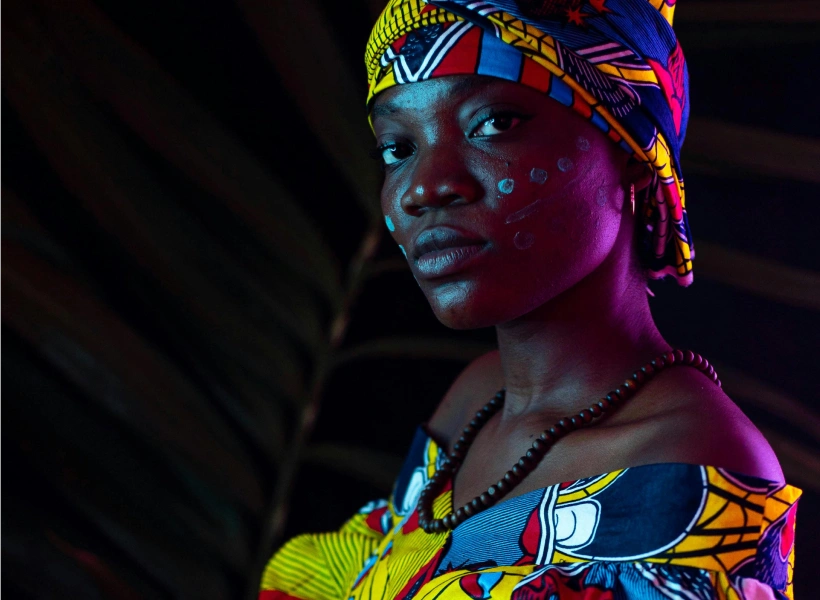
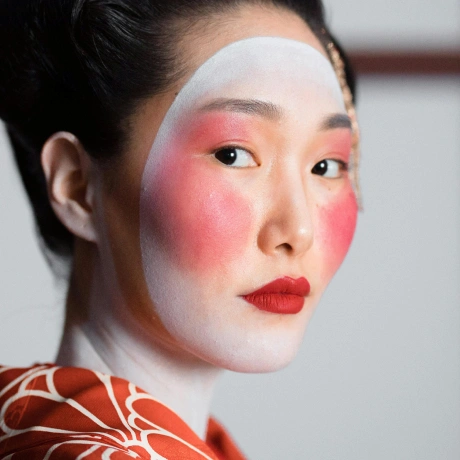
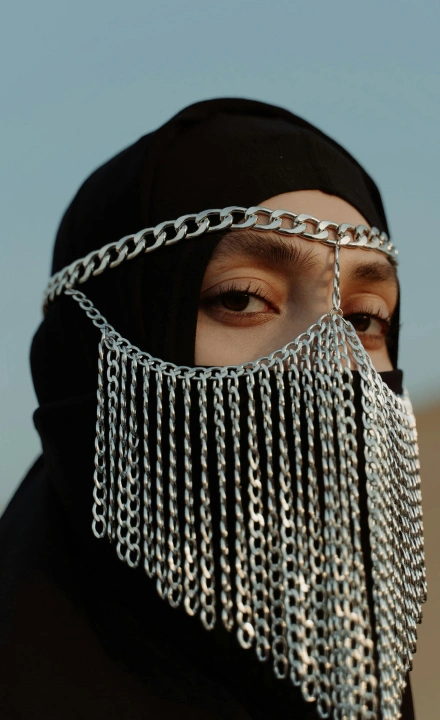
Step 1 - In Designer, add in classes with defined width and height onto your images as combo class. The example here uses the following:
1. sm width 270px and height 240px
2. md width 220px and height 360px
3. lg width 410px and height 300px
4. xl width 230px and height 230px
5. portrait width 310px and height 420px
Set up the rest of the marquee exactly as shown
Step 2 - HTML structure: Your marquee section needs two specific IDs:
1. marquee-section on the outer wrapper or section
2. marquee-track on the element containing your items
The track must contain your items duplicated twice (back to back). This is what creates the seamless loop. GSAP moves the track exactly halfway, then snaps back invisibly.
Step 3 - In Page Settings → Custom Code → Head Code, add:
1<script src="https://cdnjs.cloudflare.com/ajax/libs/gsap/3.12.5/gsap.min.js"></script>
2
3<style>
4  .marquee-track {
5    width: max-content;
6    will-change: transform;
7  }
8</style>
Step 4 - In Page Settings → Custom Code → Footer Code, copy and paste the marquee script.
Step 5 - Custom code only appears on the published site, not in the Designer preview. Hit Publish to see it live 🪄
At the top of the script there are three easy variables you can adjust:
1. LOOP_DURATION - speed of the marquee. Higher = slower. Default: 35
2. SLOW_TIMESCALE - speed when hovered. 0 is fully paused, 0.1 is almost stopped, 1 means no slowdown
3. NORMAL_TIMESCALE - default playback speed. 1 is normal, 2 is double speed, 0.5 is half speed
4. SPEED_EASE_DURATION - how long the speed transition takes in seconds. Default: 0.8
